Product walkthrough
Six journeys, one raise
This is what actually happens inside a workspace, in the order a raise happens: set up, prioritize, go warm first, run the daily motion, close, and learn for next time.
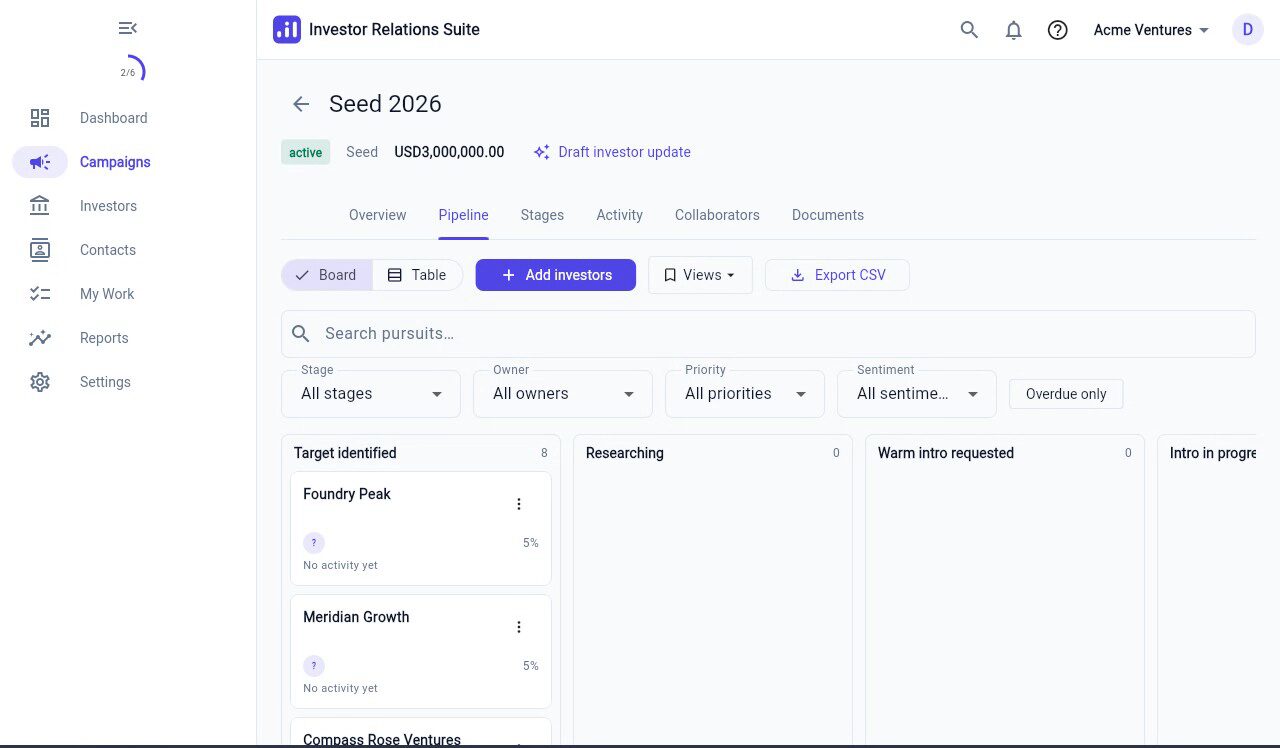
Stand up a raise
Create a workspace, then a campaign — round type, target amount, close date. Import investors from a CSV with a mapping wizard and a dedupe prompt, and invite teammates as a member or an advisor. Advisors are campaign-scoped: they only ever see the campaigns they are added to. Zero to a populated pipeline in under 30 minutes.
Build and prioritize
Filter the investor directory by stage, sector, and check size. Open a firm and propose a research claim — the Investor Relations Suite AI engine can draft a summary, but nothing lands until a human approves it, and the profile field updates with provenance attached. Add investors to a campaign, which creates pursuits at "Target identified" with a priority and an owner.
Warm path first
Relationships map who knows whom. Request an intro from an advisor with a templated blurb, and it carries a status and an owner through to completion. Accepting and completing an intro logs the activity, creates a follow-up task, and advances the stage — no silent deaths.
Daily motion
"My Work" is the morning screen: due today, overdue, mentions, stale pursuits. Log email through the Outlook integration, which searches and auto-matches to the right firm. Log a meeting with a structured debrief — sentiment, concerns, next step. Drag a pursuit across the board to move stages, and the stage history is kept. The command palette (⌘K) jumps to any firm by name.
Diligence to close
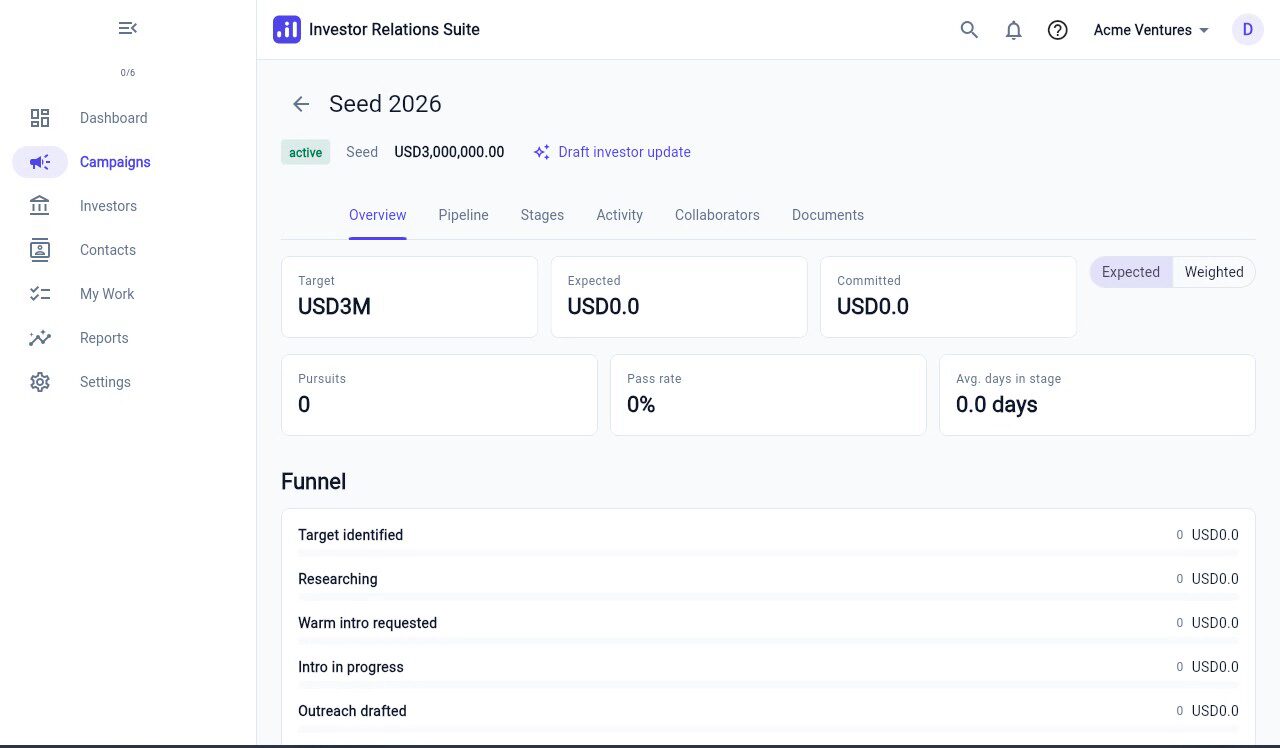
Set an expected amount and a probability on a pursuit, and the dashboard’s soft-circled-versus-target tally updates live. Mark closed-won, or record a pass with a required reason from a picker. Reports show the funnel and conversion.
Retro and next round
Reports on passes and sources show where you lost people and which channels worked. Export the whole workspace to CSV whenever you want. Scheduled exports are available on the Enterprise plan.
Also in the workspace
Documents, updates, and how it looks
Documents and data room
Share a data room with a labeled link, and keep a view trail — so you know who opened what, and when.
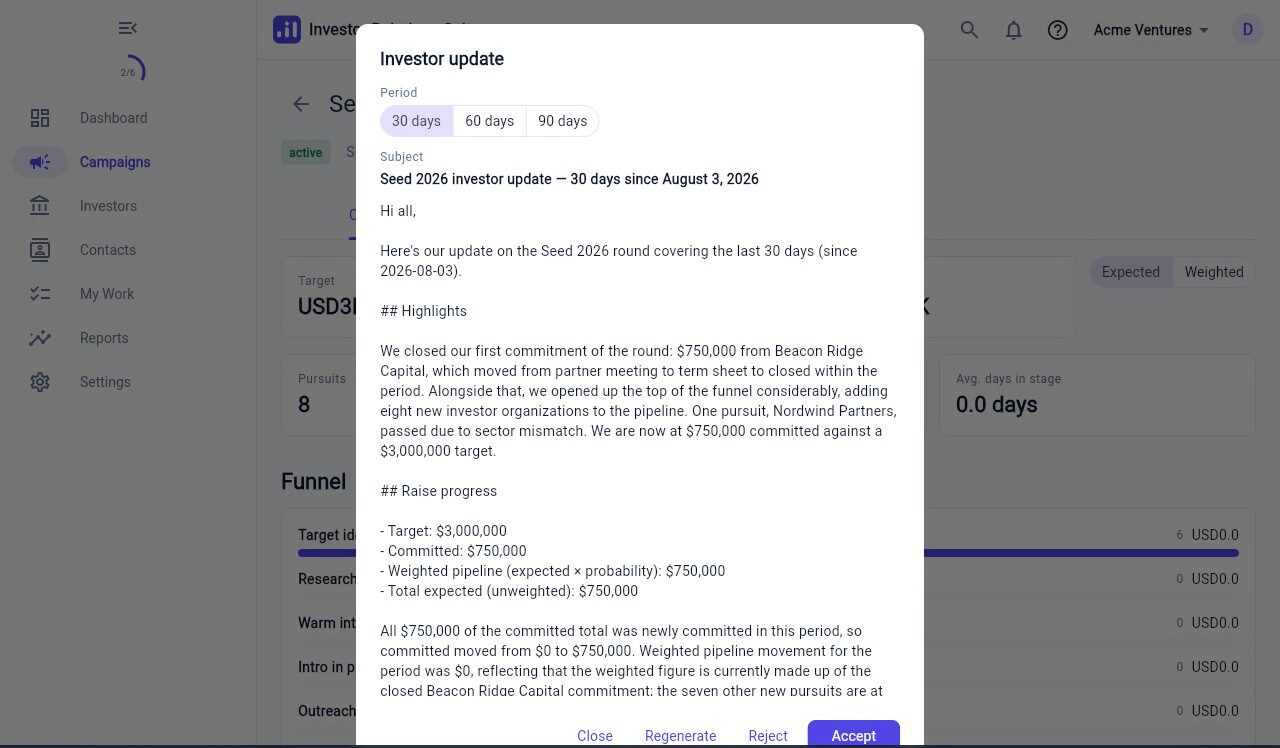
AI investor updates
The Investor Relations Suite AI engine drafts investor updates grounded entirely in your workspace’s own data. A human reviews the draft before anything sends.
Dark mode, English and Spanish
The whole product is available in light and dark, and in English and Spanish, on every screen.
See it against your own list
Start free, import a CSV, and have a real pipeline before your next partner meeting.